|
|
I wrote the content on these pages to be used by friends who needed some help fixing up their computer. I seem to be doing this a lot lately and thought this would be a good solution to send people to, especially if I can't be around to walk you through the process. Enjoy!
Removing Spyware · Disk Inconsistancies · Cleaning Your Drive · Performance Tuning
Antivirus Protection · Critical File Defragmenting · File System Defragmenting
Antivirus Protection
-
Download and install AVG Antivirus Free Edition. You don't need the professional/paid version.
-
During the installation process, you should be prompted to update your virus definition files and create a restore disk. You may skip the restore disk step.
-
In your system tray, you should see an icon for AVG Antivirus. It looks like a square divided into four sections: yellow, black, green, and red. When you find it, double-click on it to bring up the AVG Control Center. If you are having problems finding it, you can also go to Start -> Program Files -> AVG 7.5 -> AVG Control Center.
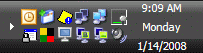
-
At the Control Center, click on the Update button. If you are asked where to receive your updates from, select the Internet and click the checkbox to always use that location for updates.
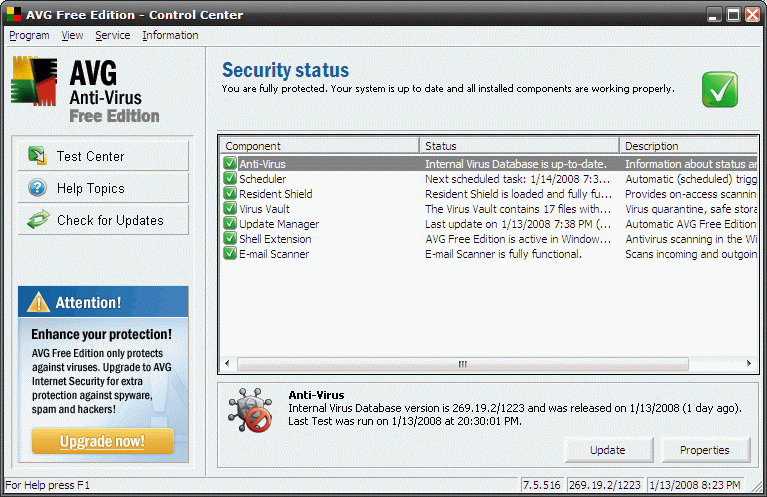
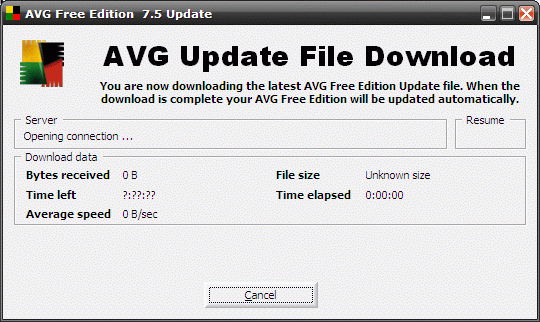
-
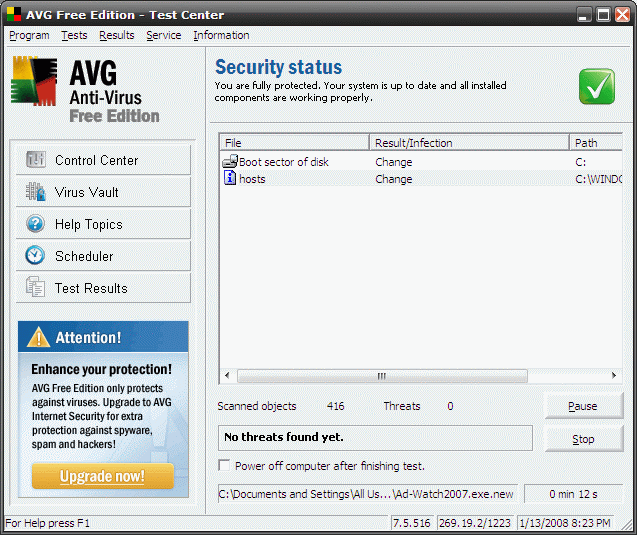
Back at the Control Center, Test Center button on the left to load the Test Center.
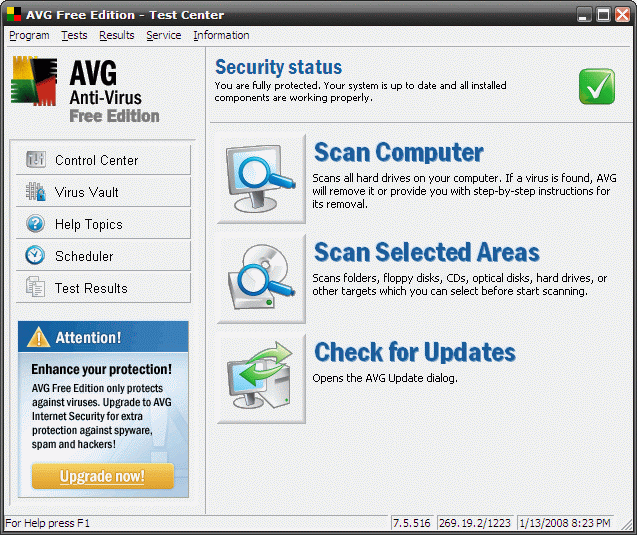
-
Click the big icon next to Scan Computer to begin a manual, full scan of your system.
-
After the scan concludes, you may be presented with a list of viruses. If so, choose to Heal all infections. Some infections must be Quarantined instead.

-
You're done with AVG Antivirus! This software will automatically update, provide real-time anti-virus protection, and regularly check your system for viruses automatically.
Next Page >>
|
